Reports that nobody reads
Pull the conclusion and the few figures that support it out of a long document, and leave the appendix behind.
Import a PDF, pick a layout, and get a focused visual summary of the document. Review it, ask for changes in plain words, then export a PNG.
For iPhone & iPad · iOS 18.6 or later
These are the current iPhone screens, not mockups.
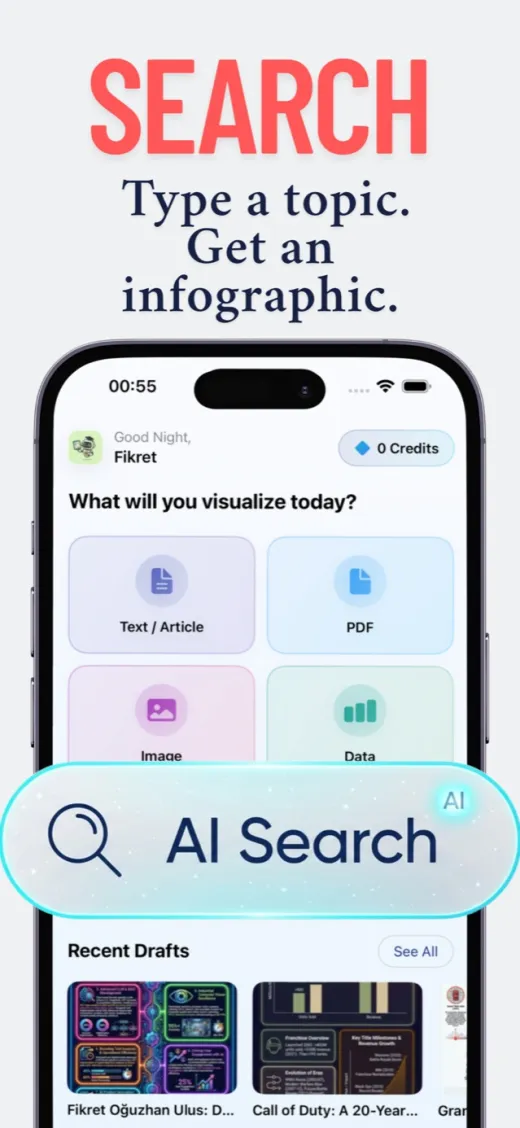
Import up to five files, 100 pages each.
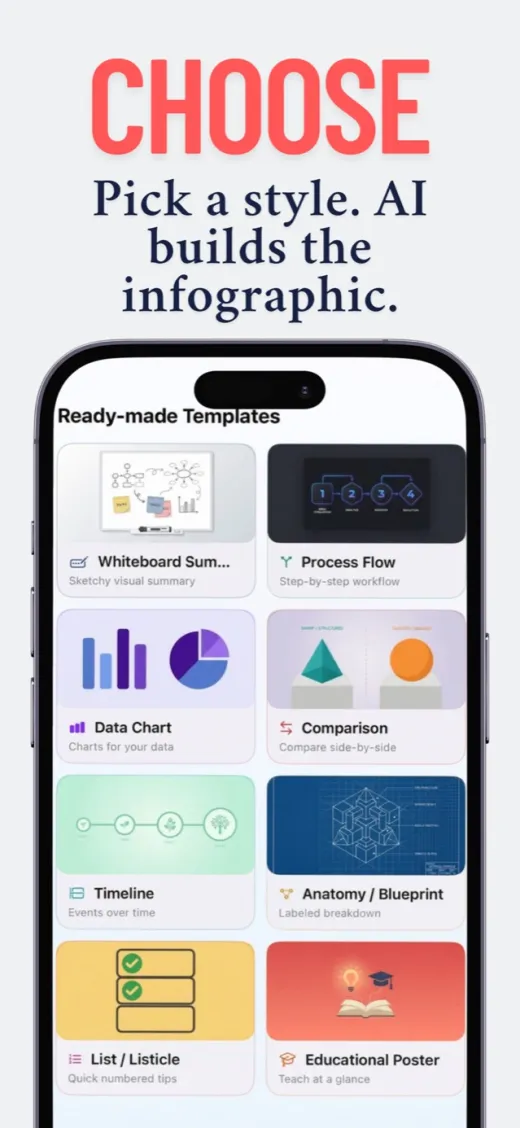
Match the structure to what the report actually says.
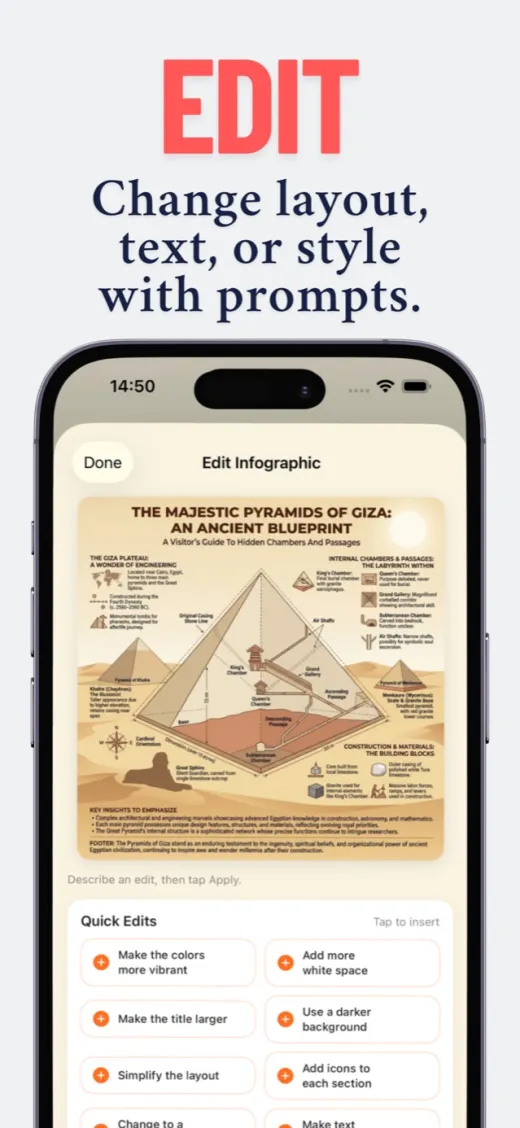
Bigger title, more white space, a warmer palette.
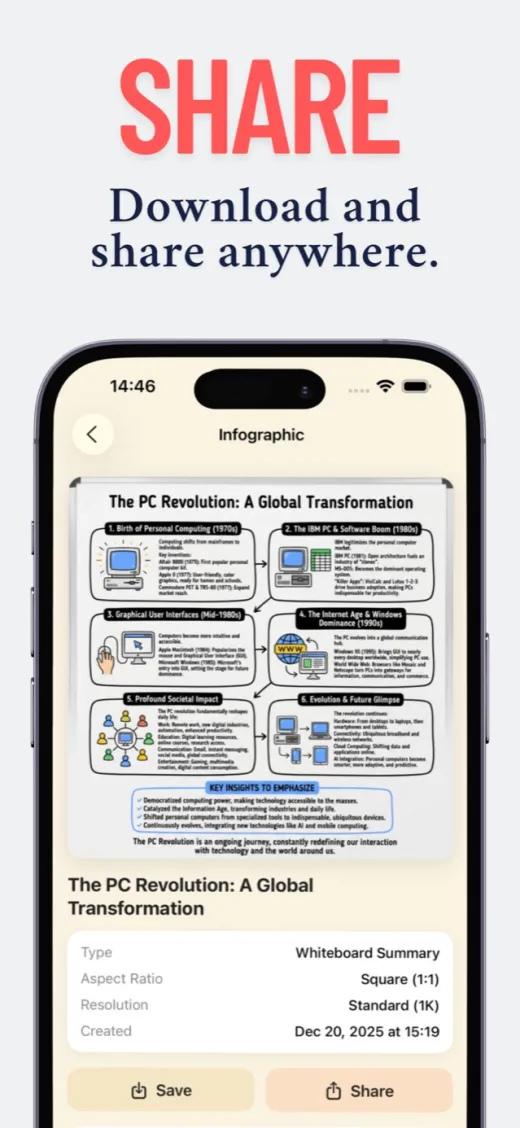
Straight to Photos, or out through the share sheet.
A focused iOS app instead of a full design suite you have to learn first.
Pull the conclusion and the few figures that support it out of a long document, and leave the appendix behind.
Turn a chapter or a research paper into a visual summary you can actually revise from.
Choose an aspect ratio for the slide or the handout before generating, then export up to 4K.
15 welcome credits cover one standard infographic — it costs 15 credits.
US App Store prices; Apple sets the local price in every other country and the app shows yours before you buy. A one-time credit pack is available too. See the full pricing breakdown.
Up to five PDFs at a time, with up to 100 pages in each file. A shorter, focused selection usually produces a better visual than the whole document.
A file with selectable text works best. Scanned pages can be read, but poor image quality can introduce errors, so check the extracted wording before you export.
Yes. Describe the change you want — a larger title, more spacing, different colours — and the app applies it to the generated design.
A finished PNG at up to 4K, saved to Photos or shared from the app. It is a rendered image, not a layered or vector file.
Your first infographic is on us.
15 welcome credits for new accounts. Continued use requires in-app purchases.