Numbers nobody can read
Turn a column of figures into something a person can take in at a glance, without opening a spreadsheet app.
Add your CSV, choose a chart-focused layout, and export a clean data visual. No spreadsheet formatting, no desktop software.
For iPhone & iPad · iOS 18.6 or later
These are the current iPhone screens, not mockups.

Paste or import the CSV you already have.
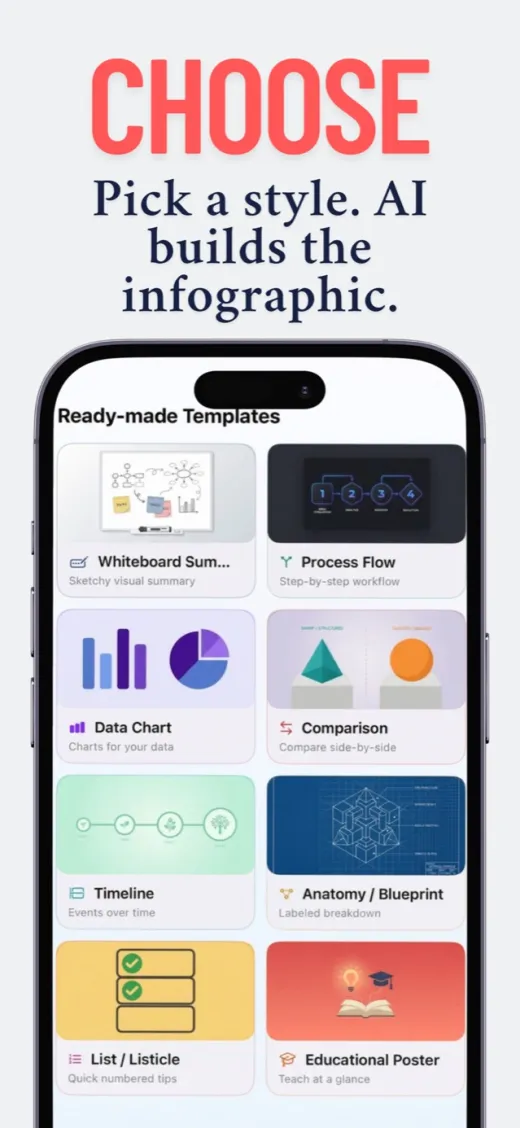
Comparison, timeline, process or a straight data chart.
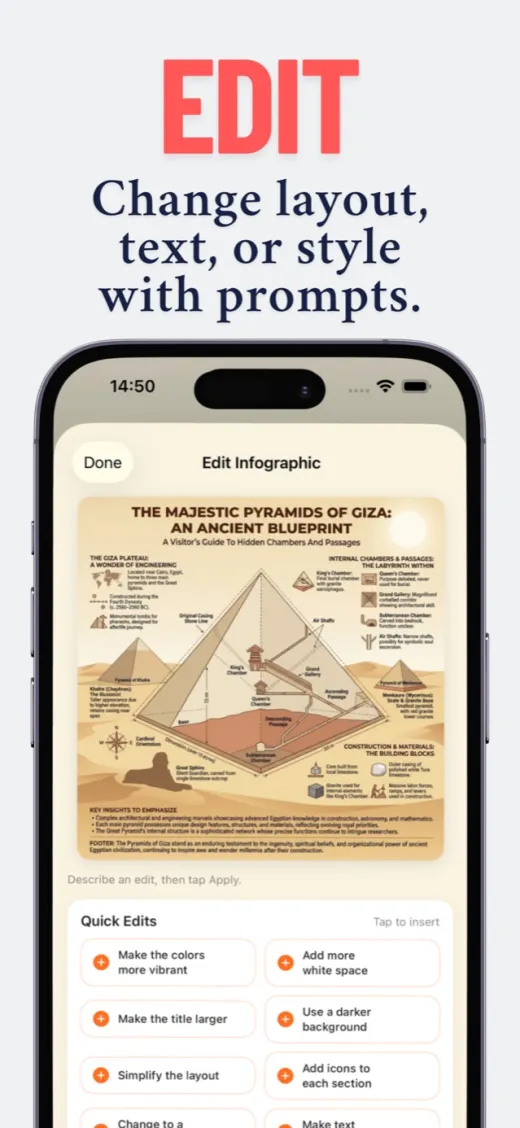
Different colour, bigger title, more room to breathe.
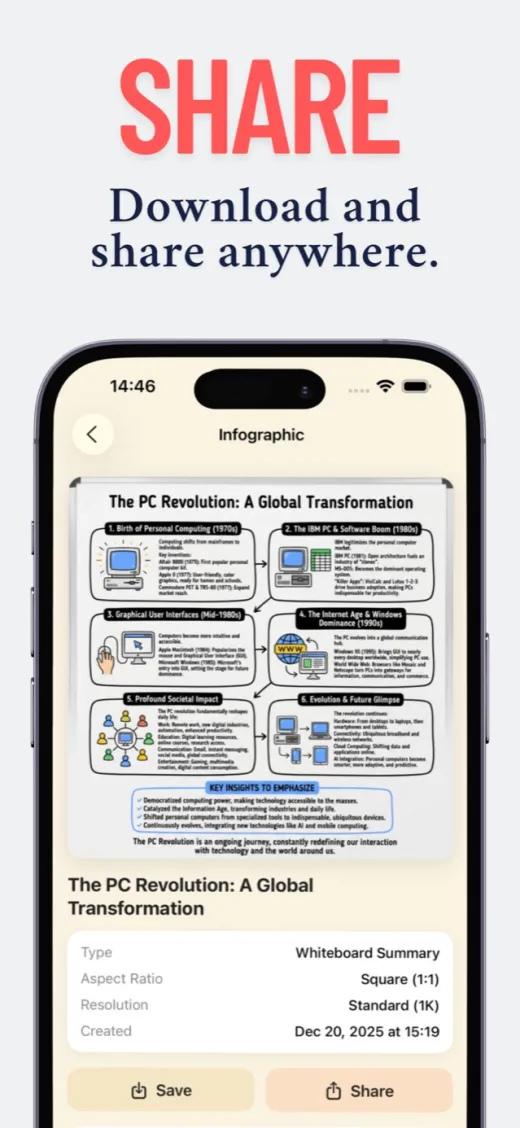
Export a PNG sized for the post or the slide.
A focused iOS app instead of a full design suite you have to learn first.
Turn a column of figures into something a person can take in at a glance, without opening a spreadsheet app.
Survey answers, sales figures, study data — pick the structure that matches the story in the rows.
Choose a landscape ratio, generate, export at up to 4K, and drop it straight into the deck.
15 welcome credits cover one standard infographic — it costs 15 credits.
US App Store prices; Apple sets the local price in every other country and the app shows yours before you buy. A one-time credit pack is available too. See the full pricing breakdown.
CSV and pasted data. You can also start from text, a PDF, an image, or just a topic if you have no file to hand.
You choose a layout that fits the story, and the app handles the arrangement, hierarchy and colour inside it.
Yes. Pick one of seven aspect ratios — portrait, square or landscape — before you generate, and export at up to 4K.
Nothing is published without you. Review it, ask for changes in plain words, and export only when it says what you meant.
Your first infographic is on us.
15 welcome credits for new accounts. Continued use requires in-app purchases.